
ReyLight LANapple Nichia 519a 4000k 14500 Polished Titanium Flashlight For Sale
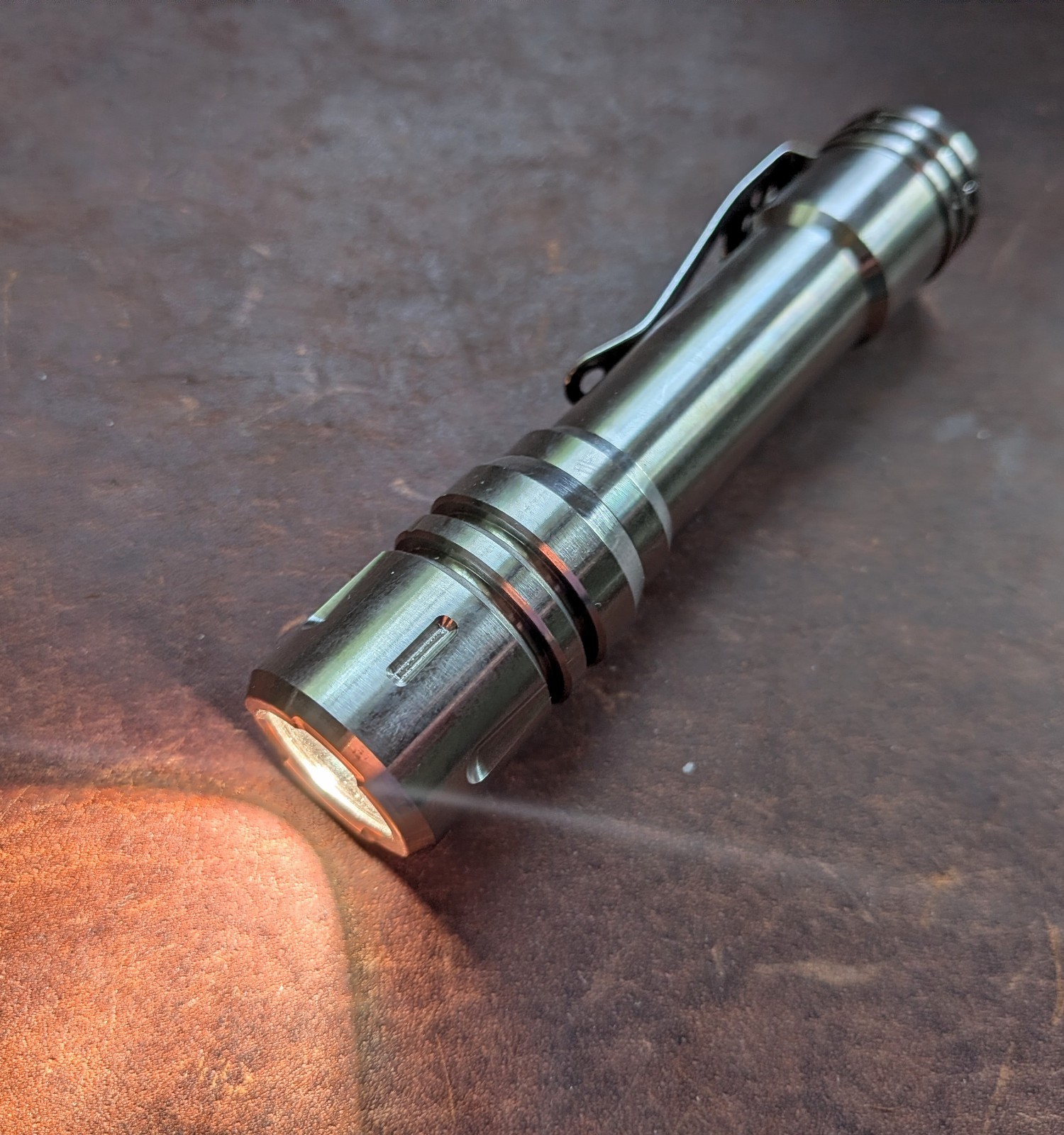

ReyLight LANapple Nichia 519a 4000k 14500 Polished Titanium Flashlight
When you click on links to various merchants on this site and make a purchase, this can result in this site earning a commission. Affiliate programs and affiliations include, but are not limited to, the eBay Partner Network.

Buy Now

ReyLight LANapple Nichia 519a 4000k 14500 Polished Titanium Flashlight:
$90.35

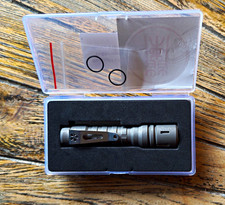
Original owner; handled, but never used. Comes in original box with spare o-rings, as shown. No battery. Runs on 14500 battery. My personal recommendation is the nitecoreNitecore NL1411R 1100mAh USB-C Rechargeable 14500 Batter; it's only $10 at the nitecore store. Microscratches on polished titanium from handling.
ReyLight LANapple - Ti

Made of solid titanium rod.

Nichia 519a 4000K R9080 LED.

Head dia: 21.5mm

Tail dia: 20mm

Length: 97mm

Weight: 61g

Group1: (Moonlight)-2%-20%-100% ( Default)

Group2: (ML)-10%-40%-100%

Group3: (ML)-2%-10%-50%

Group4: (ML)-50%-100%-strobe-SOS

ToEnter Configuration Mode:

-From ON, half-click/tap the tail switch 8+ times until it starts to flash.

(When the configuration mode is entered, the light will start to blink once, then a quick flash, blink twice, then a quick flash, blink three times, then a quick flash, blink four times, then a quick flash, blink five times, then a quick flash. This sequence continues twice if a selection is not chosen)

*The number of blinks indicates the configuration option number to be changed.

* Half-click/tap the tail switch during any quick flashes following the blinks to select the configuration option.

-Here are the configuration options:

  1. Mode group selection

(After entering this menu, you can see it blink 4 times. The number of blinks indicates the number of mode groups)

The 1st blink --------- Group1:(Moonlight)-2%-20%-100%

The 2nd blink -------- Group2:(Moonlight)-10%-40%-100%

The 3rd blink -------- Group3:(Moonlight)-2%-10%-50%

The 4th blink -------- style="box-sizing: inherit; -webkit-font-smoothing: antialiased; text-size-adjust: none; -webkit-tap-highlight-color: rgba(0, 0, 0, 0); margin-top: 1.125rem; margin-bottom: 1.125rem; color: rgb(29, 29, 29); font-family: "New York", "Iowan Old Style", "Apple Garamond", Baskerville, "Times New Roman", "Droid Serif", Times, "Source Serif Pro", serif, "Apple Color Emoji", "Segoe UI Emoji", "Segoe UI Symbol"; font-size: 18px;">*Half-click/tap the tail switch during any blinks to select the mode group.

*After selecting the mode group, you can half-click/tap to select the brightness mode.

  1. Memory mode on-off toggle (default off)

To turn memory mode on, half-click/tap the tail switch during the quick flash after the second blink.

*To turn off the memory mode, reenter the configuration mode and repeat the instruction above.

  1. Moonlight mode off-on toggle (default on)

To turn the moonlight off, half-click/tap the tail switch during the quick flash after the third blink.

*Repeat to turn the moonlight on.

  1. Mode order toggle (default LMH)

To change the mode order from Low Medium High to High Medium Low, half-click/tap the tail switch during the quick flash after the fourth blink.

*Repeat to reverse the order.

For example, the default mode order of group 1 is (Moonlight)-2%-20%-100%, if you change the mode group to HML, the mode ORDER of group 1 will be (Moonlight)-100%-20%-2%

  1. Factory reset

Half-click/tap the tail switch during the quick flash after the fifth blink to reset all options to their original states.


Buy Now


Other Related Items:


Related Items:

ReyLight LANapple Nichia 519a 4000k 14500 Polished Titanium Flashlight picture

ReyLight LANapple Nichia 519a 4000k 14500 Polished Titanium Flashlight

$88.96


ReyLight LANapple Ti Stonewashed Flashlight Nichia 519A 4000K picture

ReyLight LANapple Ti Stonewashed Flashlight Nichia 519A 4000K

$125.00


deneme bonus